If you already have an account, then just login using your login details.
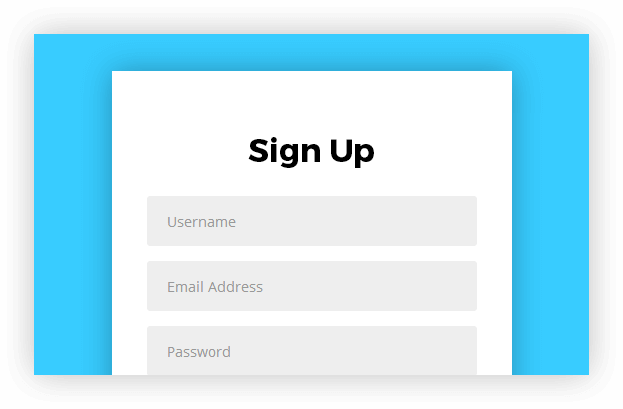
If you don’t have an account, then click on the “Signup Here” link underneath the “Login” button.
It will then ask you to create a user name and put your email address, also make sure you click on “I agree to the Terms & Conditions”. Then an email will be sent to you with your password.
02
Choose a Plan
You would need to choose a price plan to suite your needs.
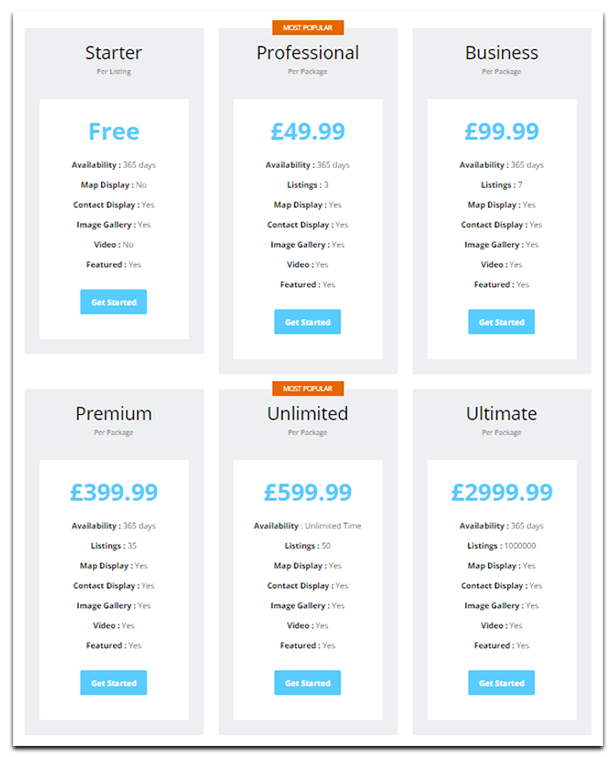
There are 6 price plans:
Starter – £24.99, but for now it’s FREE – 1 Listing – 365 days – Contact Display – Image Gallery – Can be Featured
Professional – £49.99 – 3 Listing – 365 days – Map Display – Contact Display – Image Gallery – Can be Featured
Business – £99.99 – 7 Listing – 365 days – Map Display – Contact Display – Image Gallery – Video – Can be Featured
Premium – £399.99 – 35 Listing – 365 days – Map Display – Contact Display – Image Gallery – Video – Can be Featured
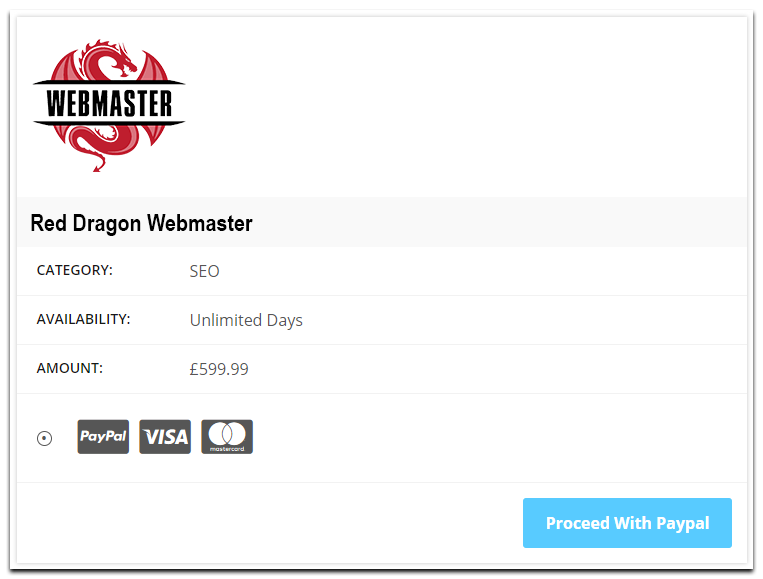
Unlimited -£599.99 – 50 Listing – Unlimited days – Map Display – Contact Display – Image Gallery – Video – Can be Featured.
Ultimate -£2999.99 – 1000000 Listing – Unlimited days – Map Display – Contact Display – Image Gallery – Video – Can be Featured.
03
Submit Your Listing
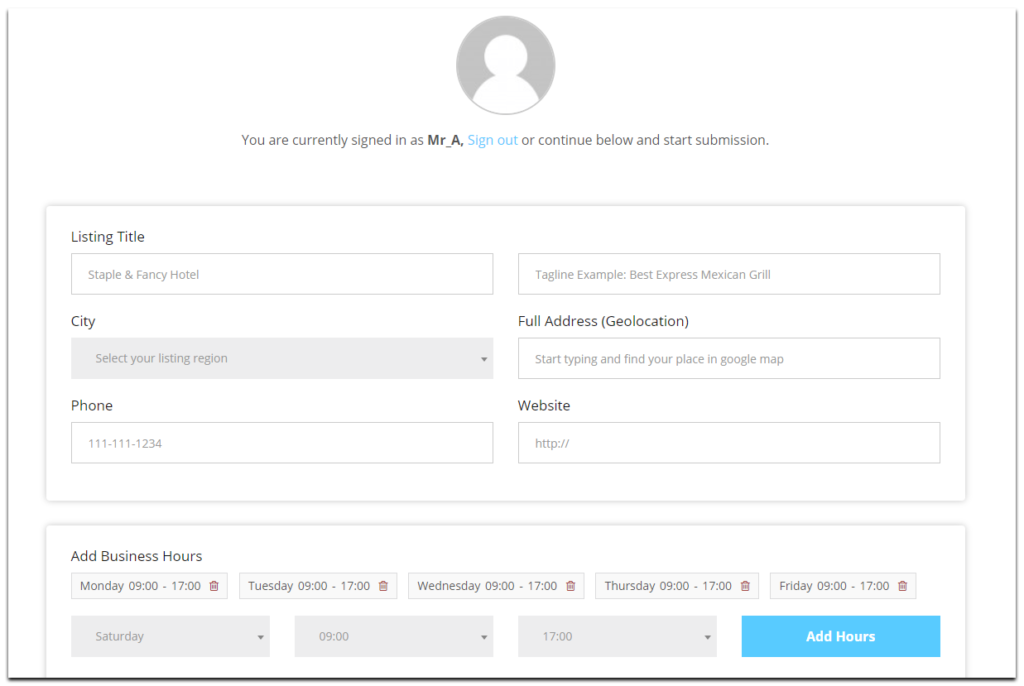
You will need to fill in all the fields, and make sure everything is filled in correctly.
04
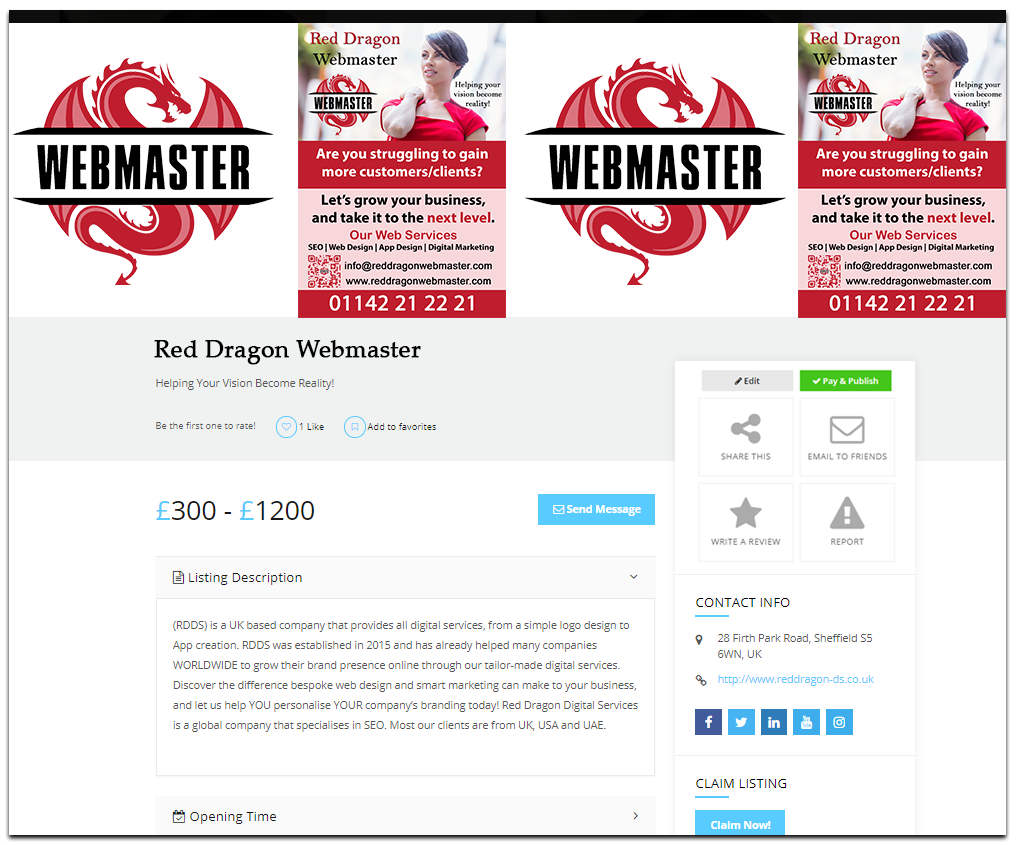
Pay & Publish your Listing
You would need to pay for the price plan you picked in order for your listing to be published. This will take you to a paying page where you will have the option to pay using PayPal, Visa or MasterCard.